 RoomSync for Home Assistant
Your Home Assistant areas, as rooms in Apple Home.
RoomSync sorts your accessories into rooms with the same names. You see every change before it's applied.
Free up to 5 rooms. One-time purchase for the rest. Requires iOS 17 or later.
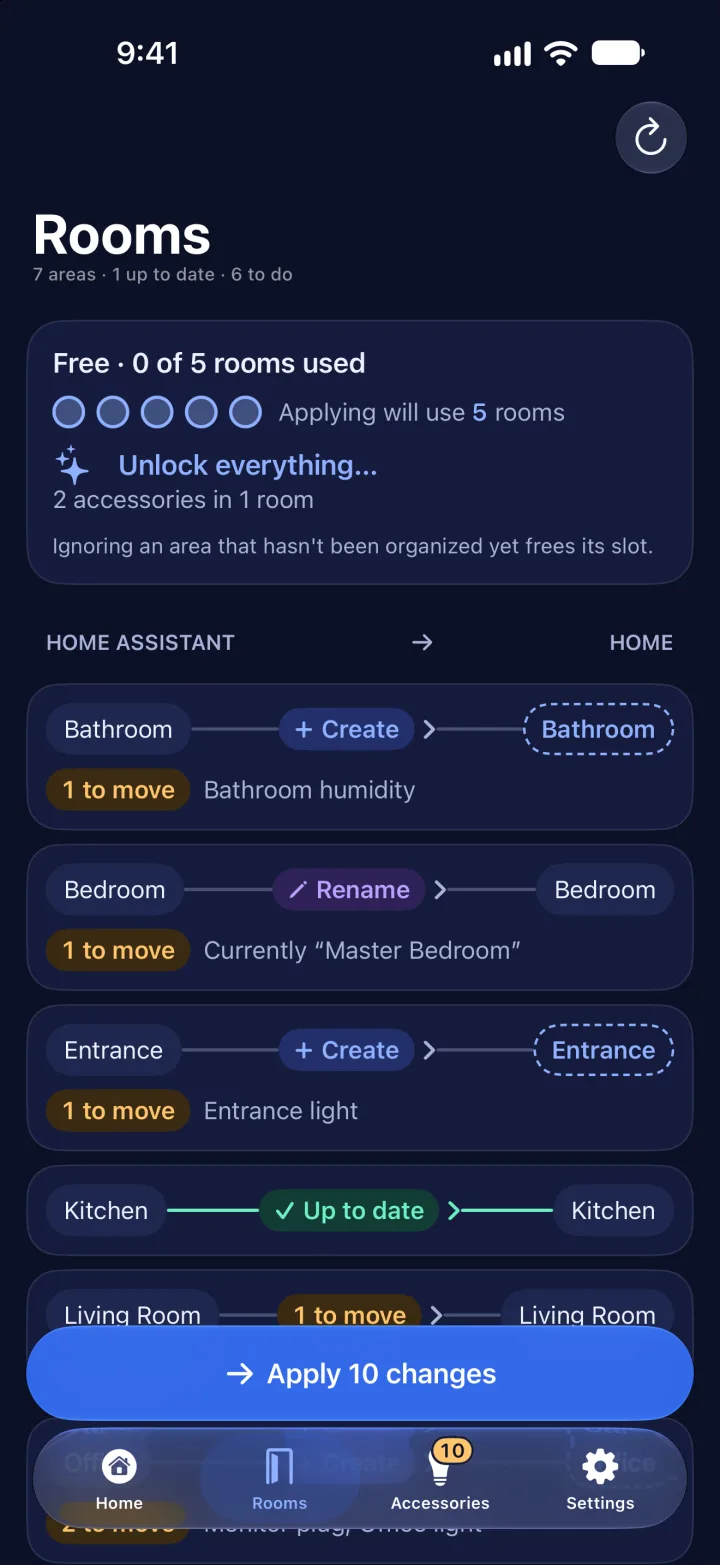
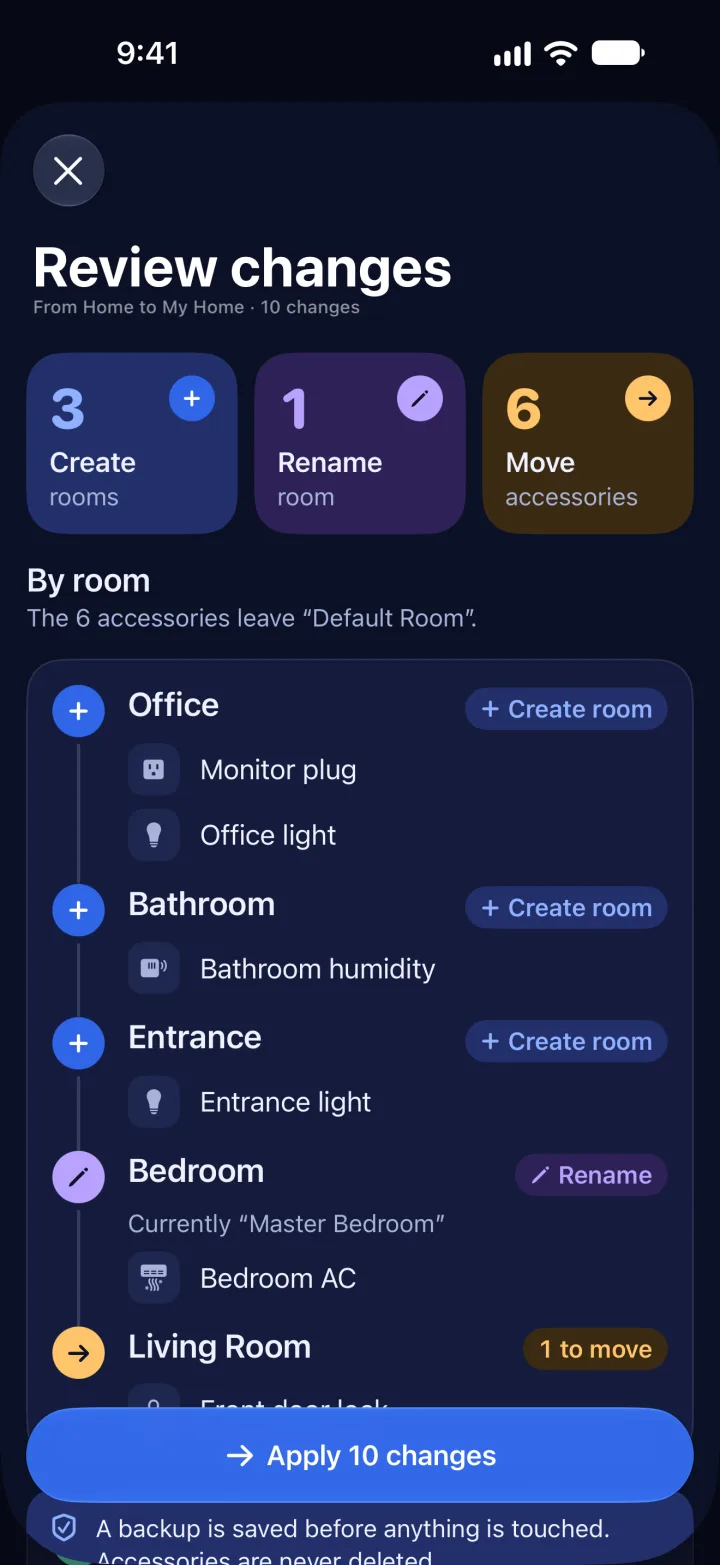
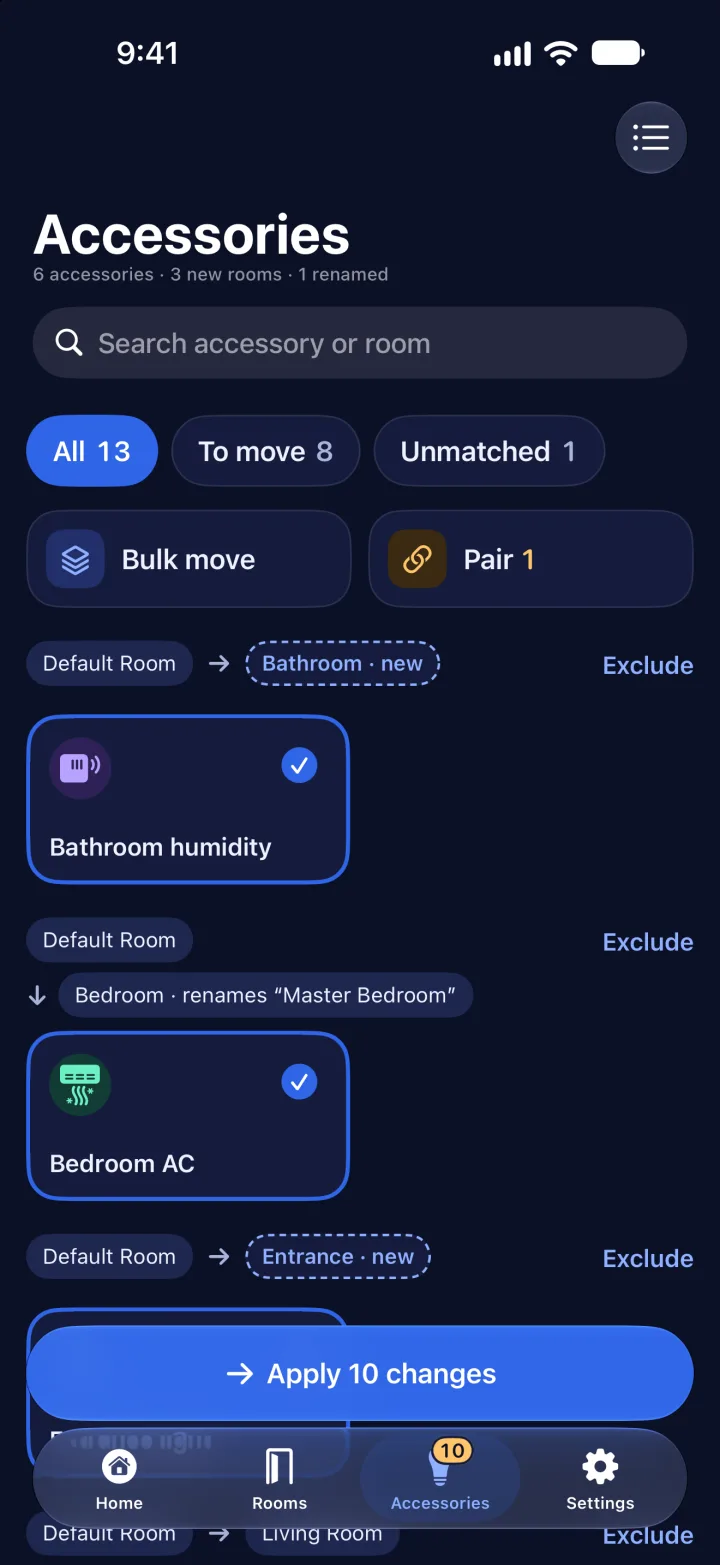
How it works
- 1
Connect your Home Assistant
You sign in on your HA's own page. The access is kept in the iPhone's Keychain.
- 2
Review the changes
Every new room, name and accessory, before anything is touched.
- 3
Apply
It saves a backup of your home first. Syncing never deletes rooms.
For real homes
Backups and restore
Put your home back the way it was. Always free.
Match by hand
Whatever doesn't match on its own, you pick once.
Move in bulk
Several accessories to one room, all at once.
Room cleanup
Remove the empty rooms the mess left behind.
Diagnostics
The health of your HA bridges and what's not responding.
Bridge rescue
If you re-pair the HA bridge, every accessory goes back to its room.
RoomSync never changes your Home Assistant.
It only reads your areas. The app talks straight to your HA, with no servers in between, and the access stays in your iPhone's Keychain.
Pricing
- Connect and preview
- Match by hand and diagnostics
- Backups and restore
- Move in bulk to your free rooms
- Remove empty rooms
- Everything in free
- Move in bulk to any room
- Full room cleanup
- HA floors as Home zones (soon)
Questions
What if something goes wrong?
A backup of your home is saved before applying. You restore it from Backups.
Does it move the Apple TV and the HomePod?
No. Apple doesn't let other apps see them: you move them by hand in Home.
Does it touch what doesn't come from Home Assistant?
No, unless you move it or match it by hand.
What do I need?
Home Assistant with the HomeKit Bridge integration and an iPhone running iOS 17 or later on the same network.